designø.com is an internationalized domain name (IDN). Its ø can be represented in DNS as
xn--design-gya.com, an ASCII-compatible form called punycode. That encoding is
expected. What caught our attention was seeing the readable name in one part of a sign-in
flow and the raw form in another.
Where we first saw it
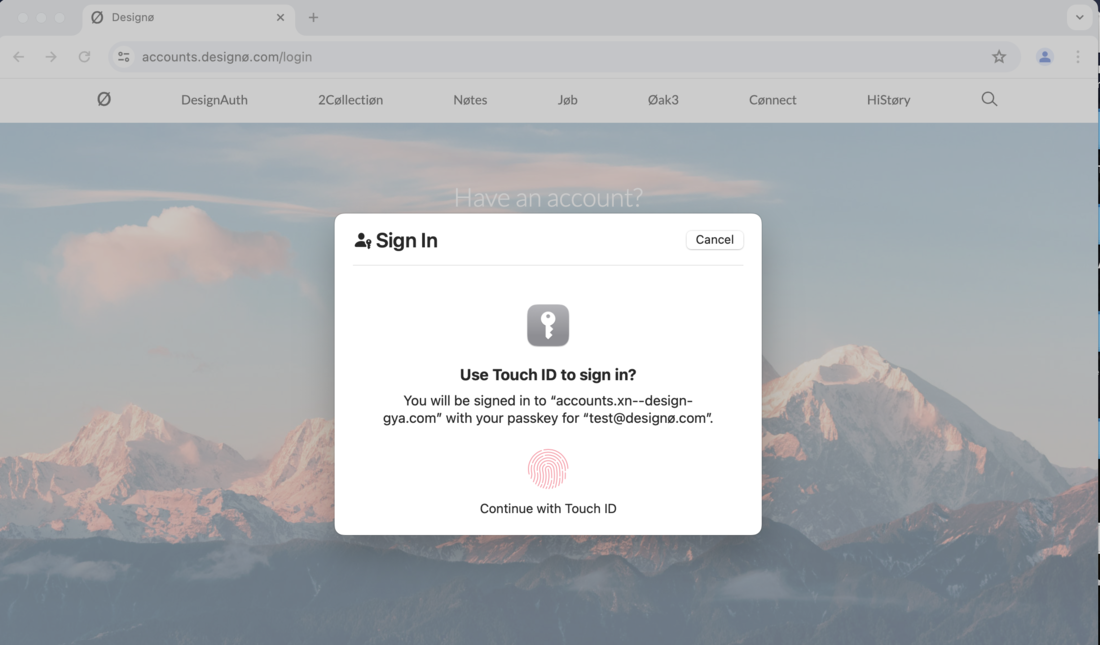
While testing passkey sign-in at accounts.designø.com in Chrome on macOS,
the browser address bar displayed the readable domain. The Touch ID sheet in front of it
instead said accounts.xn--design-gya.com:
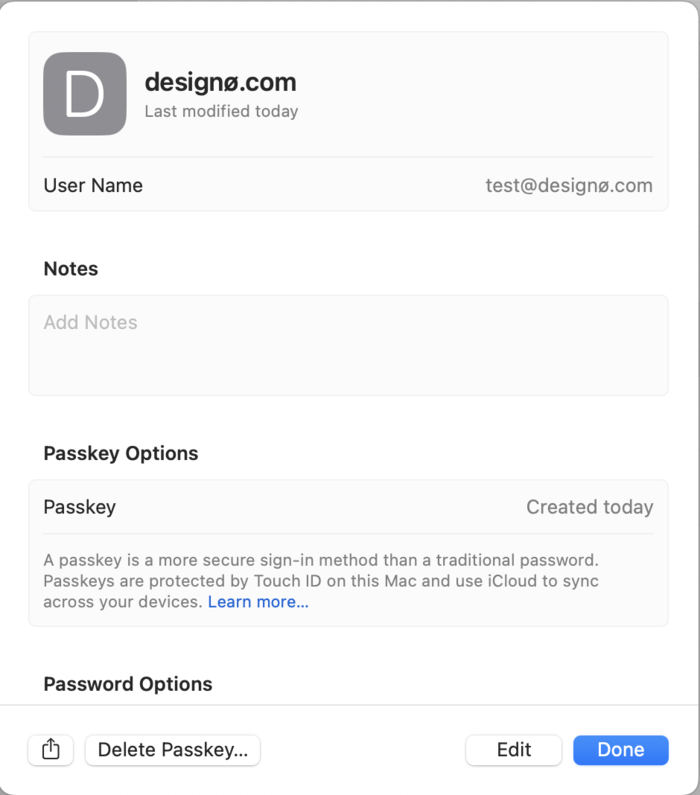
The saved passkey entry in the macOS Passwords app is an important counterexample. It shows designø.com correctly. The issue did not appear in every passkey-related screen.
Other sign-in paths
Screenshots captured in October 2025 show the ASCII form in several other system prompts.
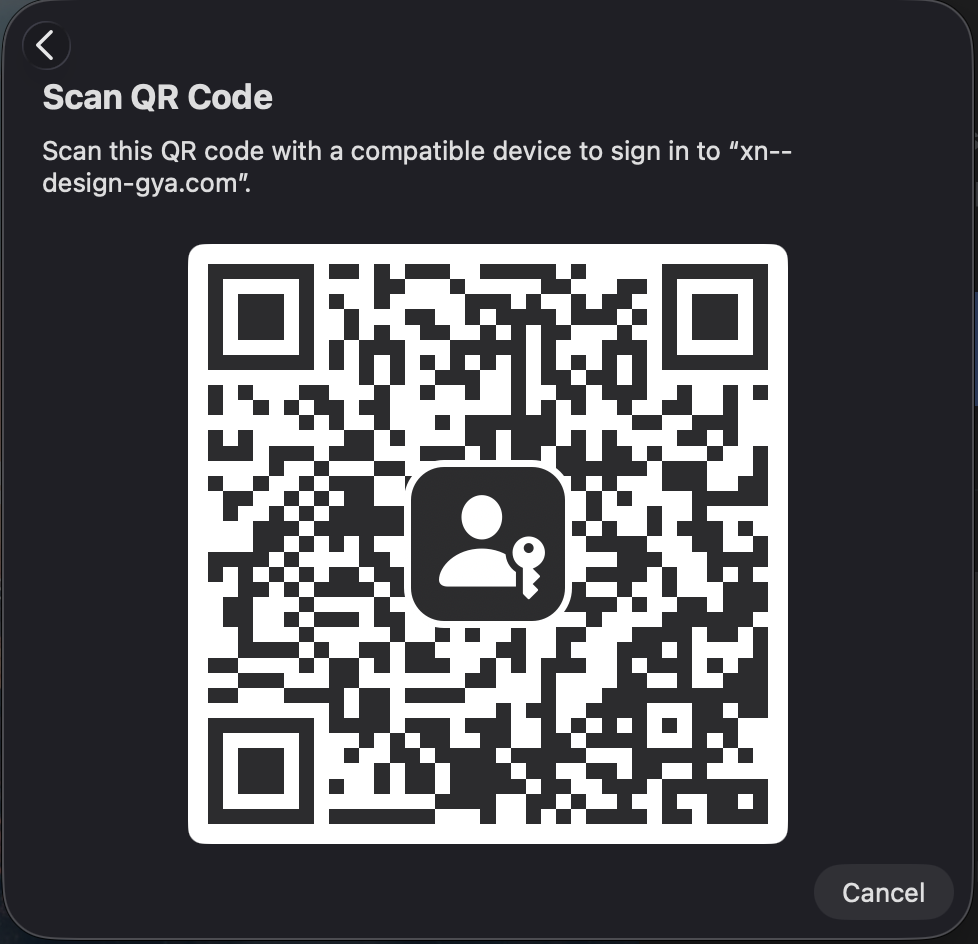
The QR-code prompt displays xn--design-gya.com. The screenshot below follows
your light or dark appearance setting; select it to open the full-size version.
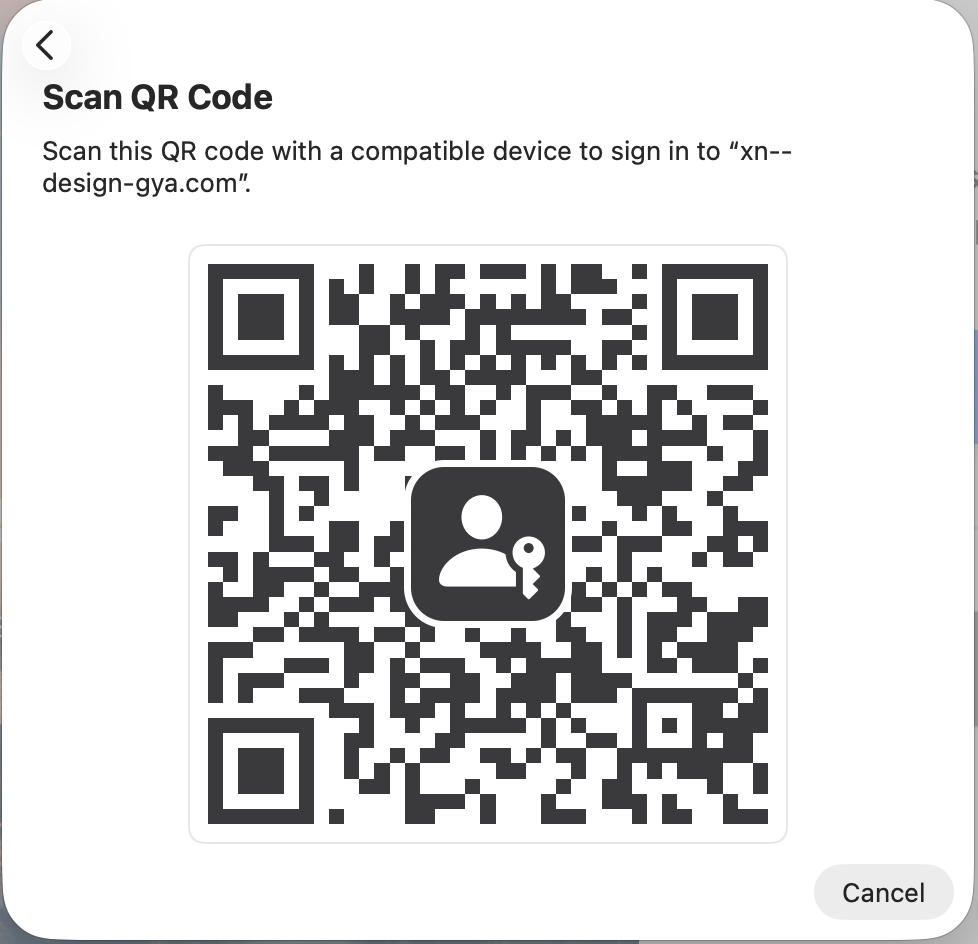
The other-device passkey prompt also uses the raw form:
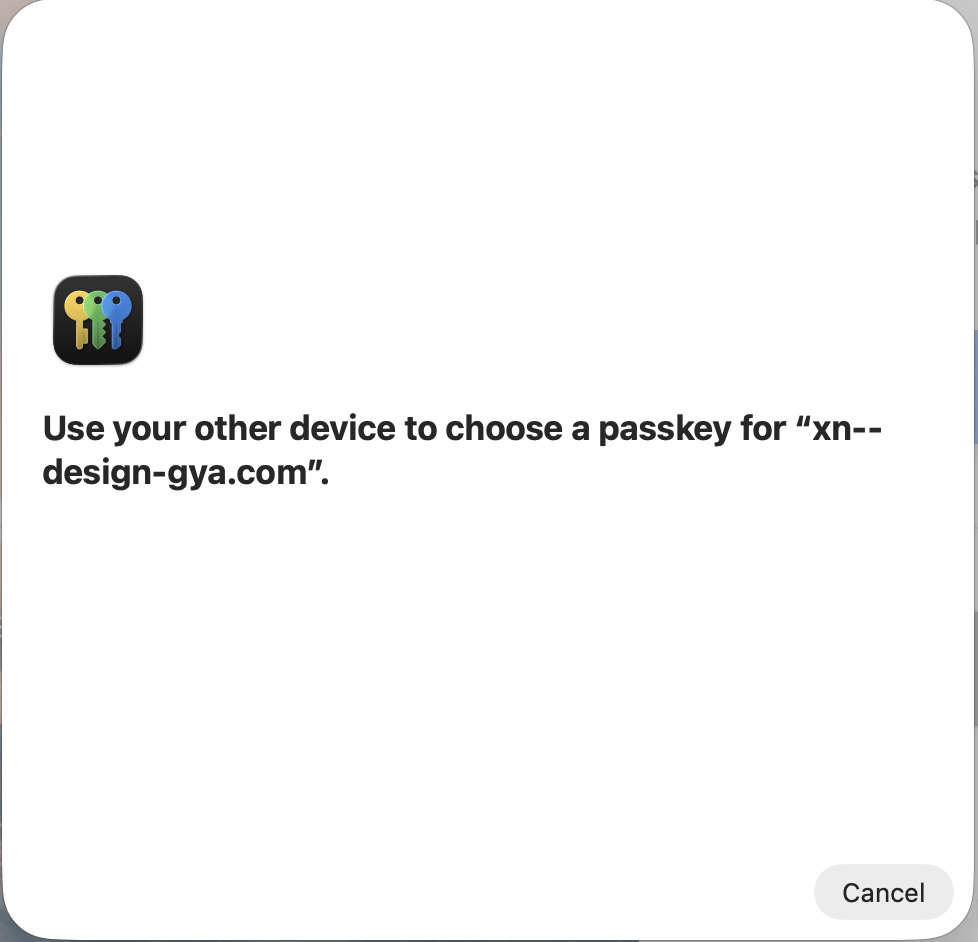
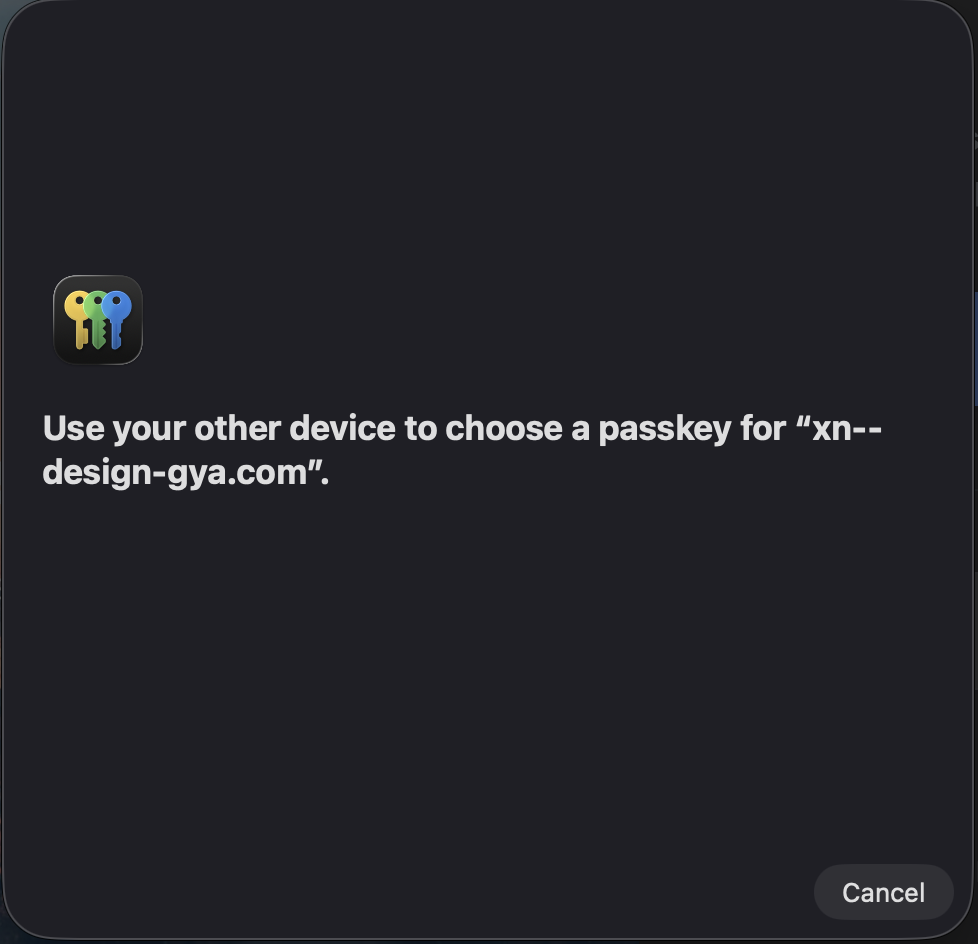
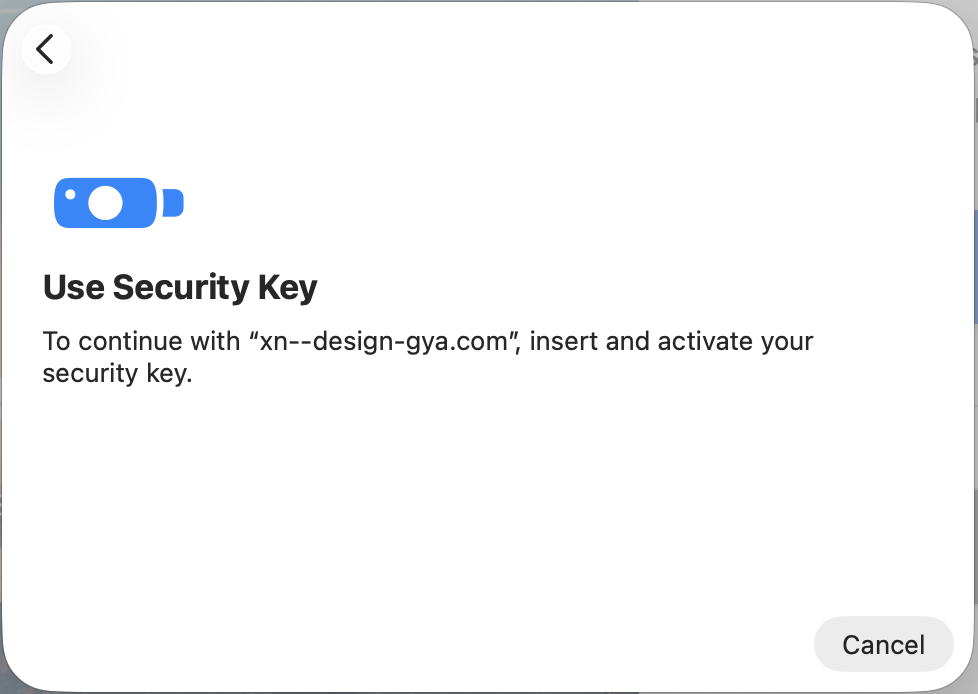
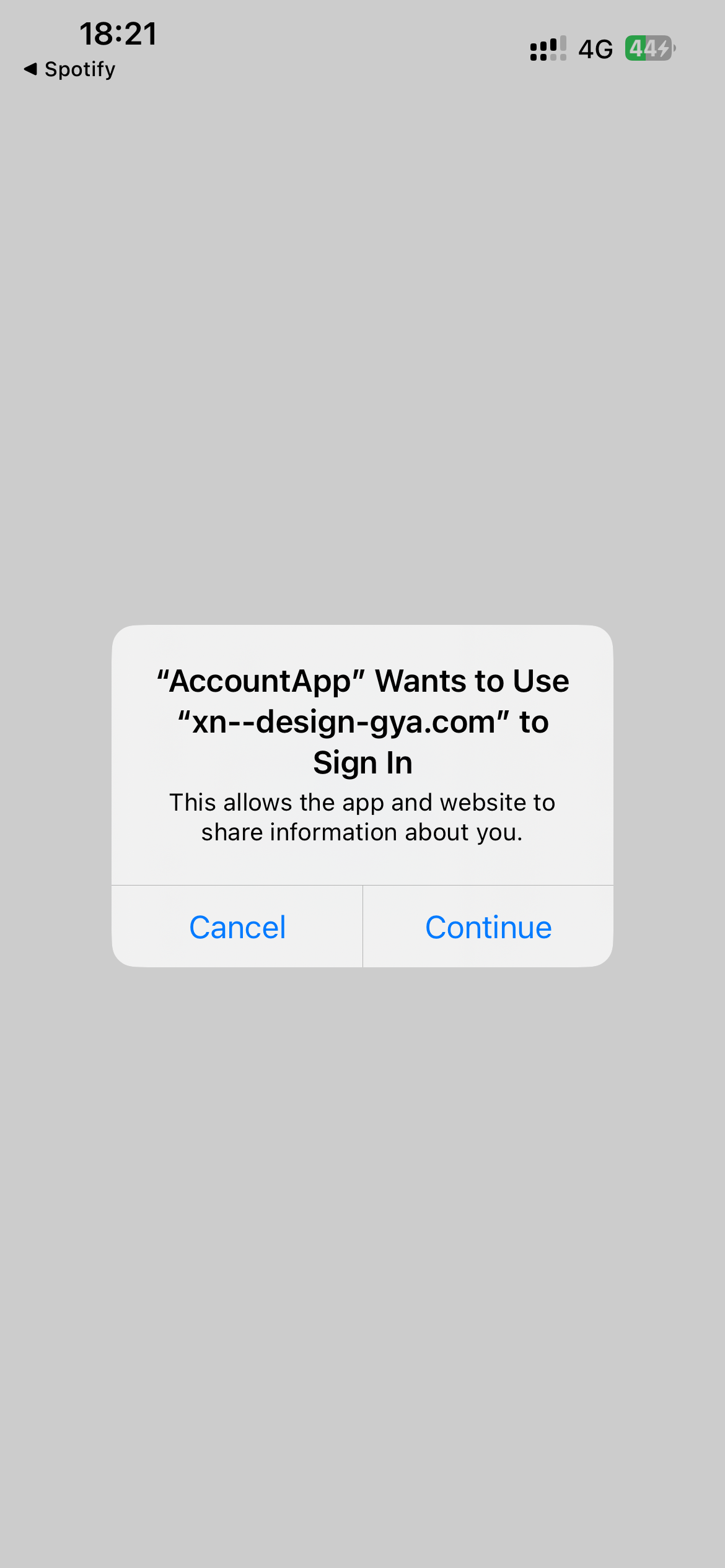
A security-key prompt shows the same form. An iOS app-to-website sign-in consent sheet does too. That iOS sheet is a separate sign-in UI, not a passkey chooser; it shows that the display inconsistency extends beyond the specific Touch ID sheet where we first noticed it.
Why the display matters
These screenshots show a display mismatch, not that the credential stopped working or that
its security boundary changed. A passkey is scoped to a relying-party ID,
which is a domain string. The concern is the name shown when someone is asked to approve a
sign-in: designø.com and xn--design-gya.com are the same domain,
but that is not obvious to everyone reading a prompt.
What we did, and what changed
We investigated the domain formatting in the sign-in flow and reported the mismatch. In another Touch ID sheet, the domain appears correctly as designø.com:
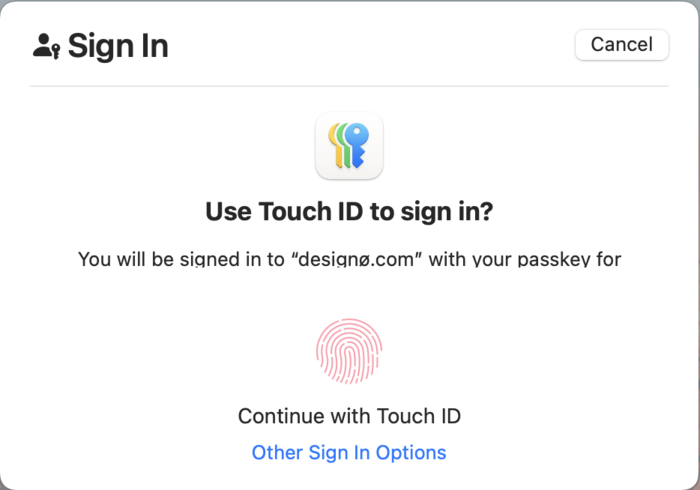
The screenshots involve different sign-in routes and sometimes different displayed hostnames. They do not establish that every prompt shares one cause or that all routes are fixed. What they do show is an inconsistency: the same IDN can be readable in Passwords and one Touch ID sheet, then appear as raw punycode in a QR, security-key, other-device, or app consent prompt. That is worth testing across every path where a person is asked to trust a domain name.